
When conversions drop year over year, the hard question is always: is this the market cooling off, or something in the account that changed? Year-over-Year Recovery answers that campaign by campaign - lining this month up against the same month a year ago, and splitting the difference into “lost to the market” (not your fault, not fixable) versus a short list of specific, reversible things you can undo right now.
Where to find it & plan availability
Go to Optimize → Year-over-Year Recovery in the left sidebar, or open /dashboard/yoy directly. The page always loads, but the analysis itself requires a PRO or ENTERPRISE plan - on a lower plan you’ll see an upgrade message instead.
Step-by-step walkthrough
1. Pick a period and read the explainer
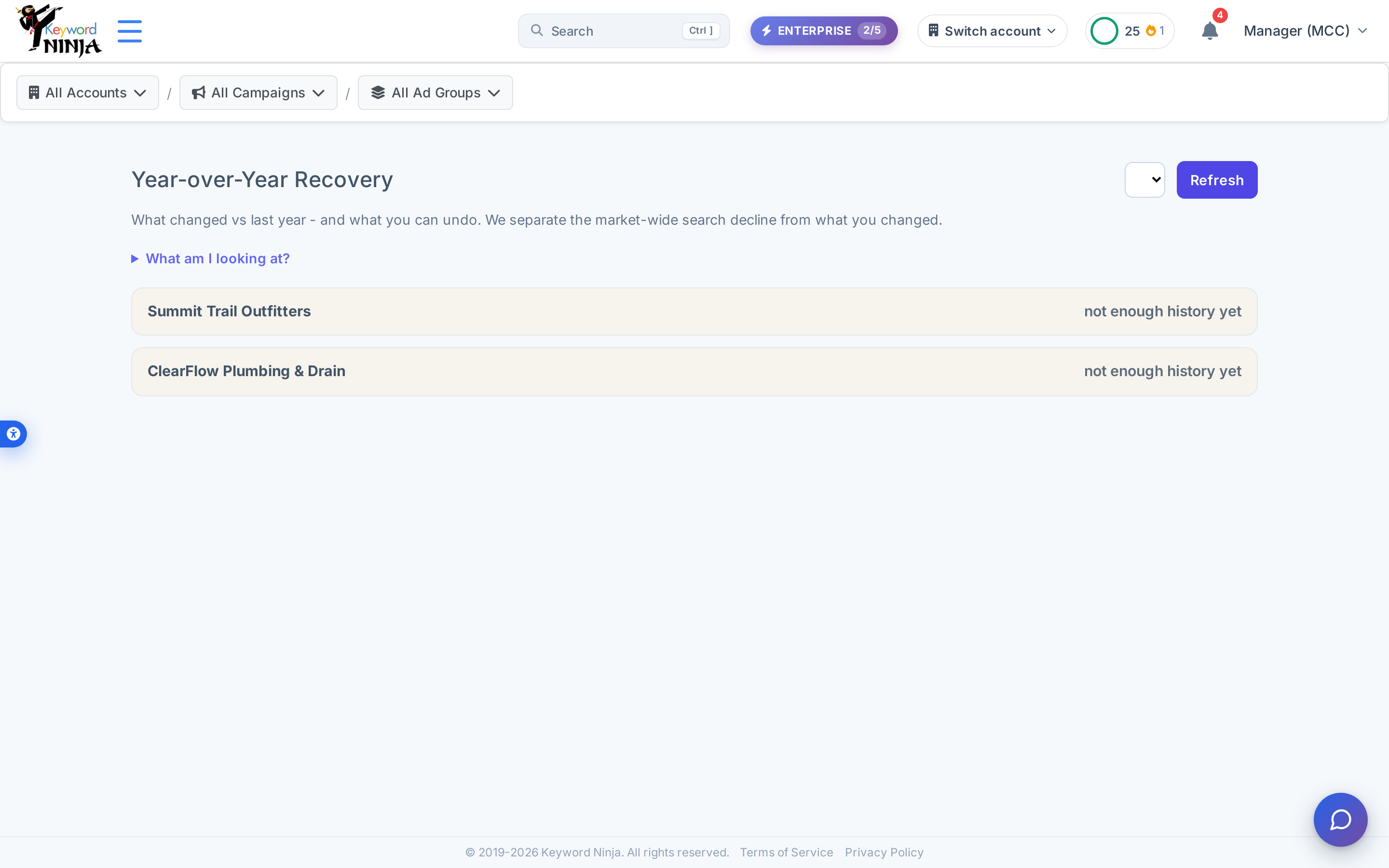
A period selector lets you choose which month-vs-same-month-last-year comparison to view (the current, still-in-progress month is never offered). Expand “What am I looking at?” for a plain-language explainer of the method: conversions to win back, the sparkline, “lost to the market,” and the Fix-vs-Review distinction.

2. Understand what you’ll see once there’s a full year of history
Year-over-Year Recovery needs a genuine year-ago comparison - a full calendar month this year and the same calendar month twelve months earlier, both with real spend data. New accounts (including this demo) show “not enough history yet” until that’s available; there’s nothing to configure to speed this up, it’s simply a function of how long the account has been running.
Once an account has enough history, each one gets its own expandable section with:
- A verdict - Healthy, Efficient Contraction (fewer conversions but more efficient - credited, not blamed), Macro-Driven, or User Regression (worth fixing).
- Four KPI tiles: conversions then vs. now, cost per conversion then vs. now, conversions to win back, and conversions lost to the market.
- A “Start here” queue of the biggest fixable findings across every account, ranked by conversions at stake.
- Per-finding rows with the entity name, a confidence level (High/Medium/Low), a plain-language reason, an 18-month sparkline showing exactly when the drop happened, and either a Fix button or an Open & review link.
3. Know what counts as “fixable”
Year-over-Year Recovery only flags things it can attribute to a real, reversible cause:
- Dead campaigns - a campaign that used to convert and has gone dark.
- Blocking negatives - a negative keyword added since then that now blocks a keyword that used to convert.
- Paused converters - a keyword or ad group that used to convert and got paused.
- Bid/target inflation - CPC or target creeping up (flagged for review, not one-click fixable, since a bid change might have been deliberate).
Market-wide search-volume drops are reported separately as “lost to the market” and are never presented as something to fix.
4. Apply a fix
Clicking Fix on an eligible finding (re-enable a keyword/campaign/ad group, remove a blocking negative, or raise a budget) shows a confirmation - including a “been off for N days” warning for anything paused a long time - then applies it immediately. The button becomes “Applying…” then “Applied ✓,” or offers a retry if it fails.
Tips & best practices
- “Lost to the market” is not a call to action - it’s Year-over-Year Recovery being honest that some declines are outside your control, so you don’t waste time chasing something that isn’t fixable.
- A “Review” pill (not a Fix button) means the cause isn’t certain enough to one-click - bid/target inflation in particular might have been a deliberate decision, so it’s surfaced for you to judge, not auto-reversed.
- The sparkline is there to sanity-check the finding - an 18-month view of a campaign or keyword’s conversions makes it obvious whether a “decline” is a real cliff or just normal month-to-month noise.
- Every fix is reversible from the Activity log, same as elsewhere in the product - if a re-enable turns out to be wrong, undo it there.
- Non-Search campaigns aren’t analyzed - Performance Max, Display, and Video are called out separately as “not analyzed” rather than silently ignored, so you know the scope of what you’re looking at.
Troubleshooting & FAQ
Every account says “not enough history yet.” This is expected for newer accounts (and for this demo) - the comparison needs a full calendar month this year and the same month a year earlier, both with real spend. There’s no setting to unlock it early.
I see an upgrade message instead of an analysis. Year-over-Year Recovery requires PRO or ENTERPRISE; the message links to Pricing.
A finding shows “Review” instead of “Fix.” That’s intentional - bid/target inflation findings are surfaced for your judgment rather than auto-applied, since raising a bid or target might have been a deliberate choice.
I applied a fix and want to undo it. Every fix here writes to the Activity log with an undo option, the same as other one-click actions across the product.
A campaign shows as “not analyzed.” Year-over-Year Recovery only evaluates Search campaigns; Performance Max, Display, and Video campaigns are reported separately rather than folded into the comparison.